








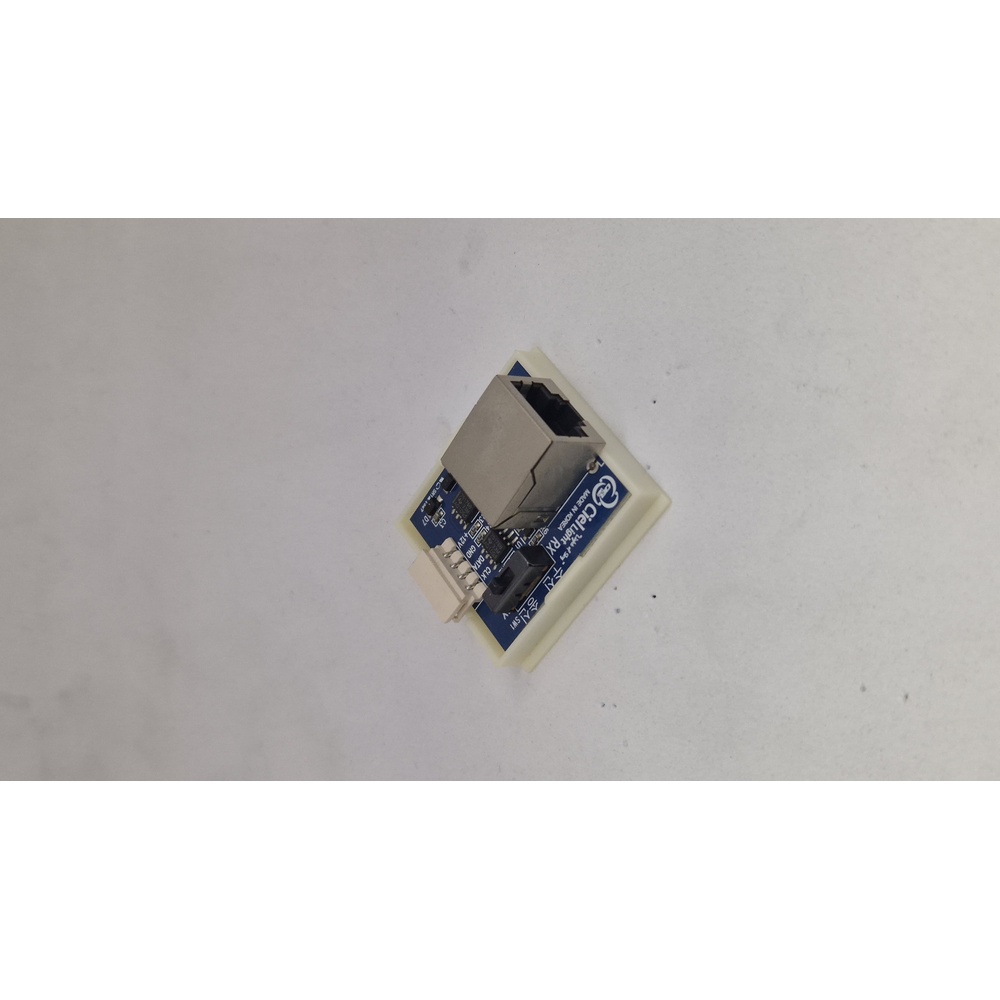



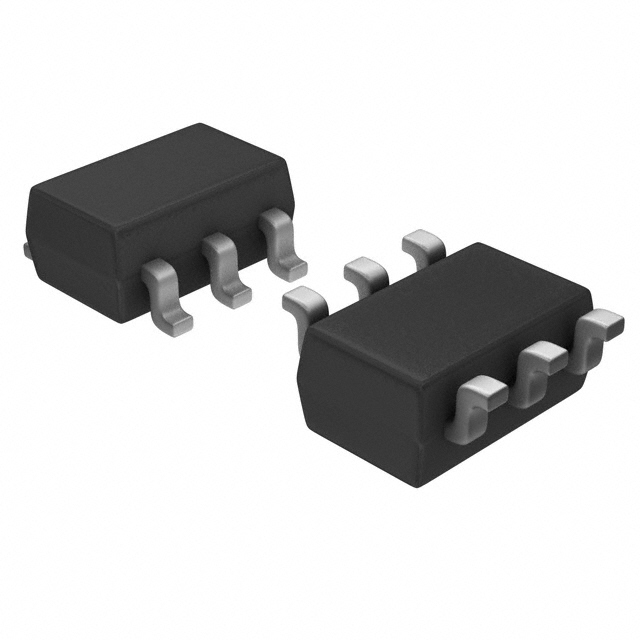
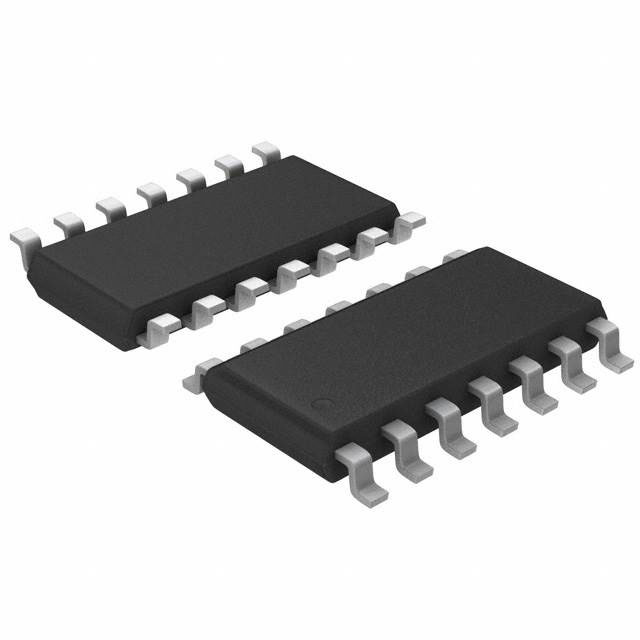

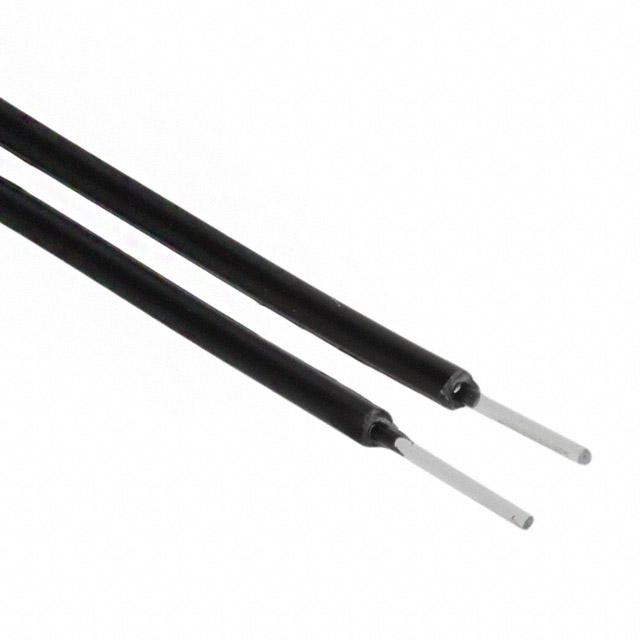



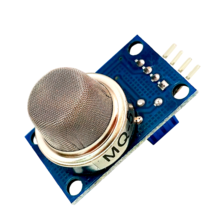


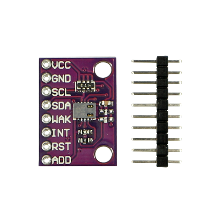
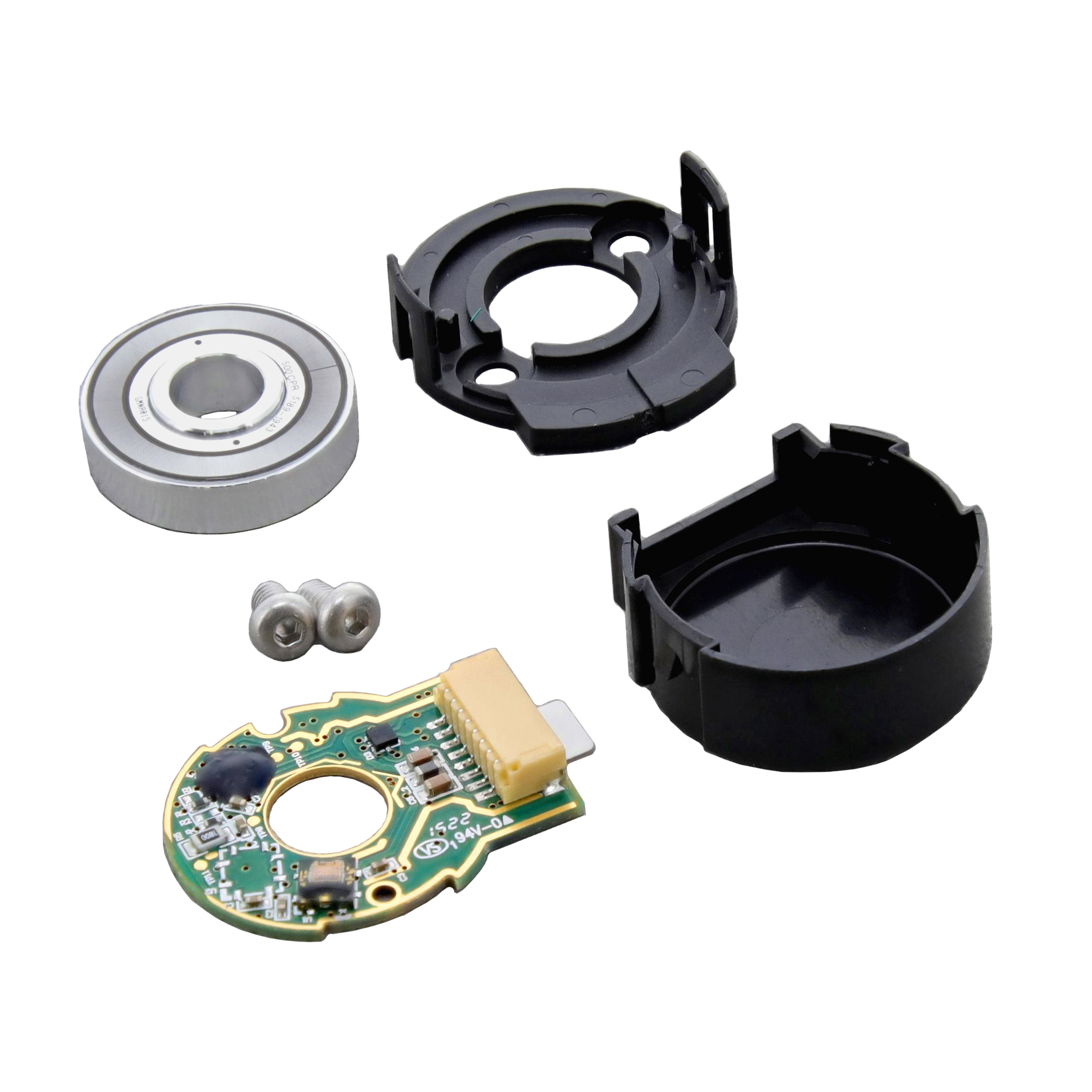




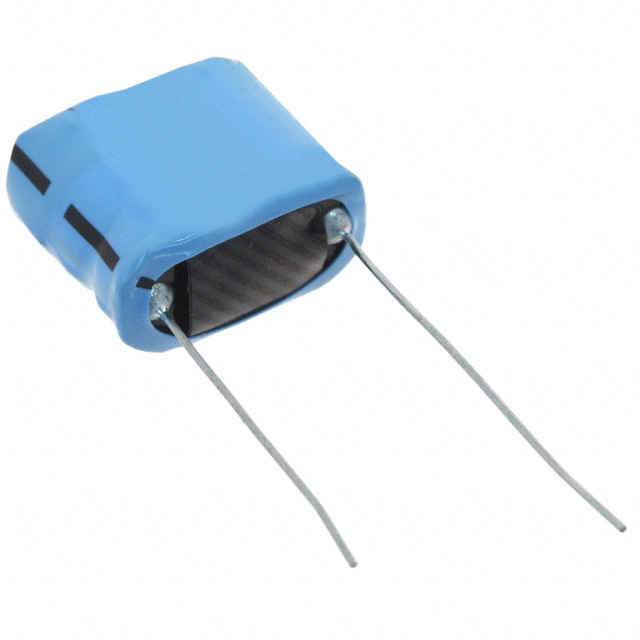

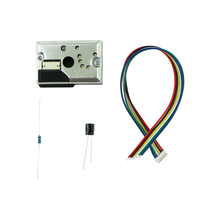
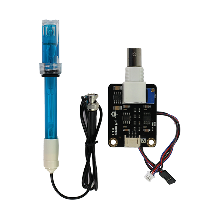
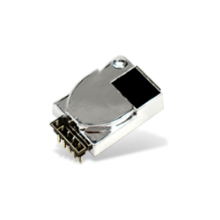
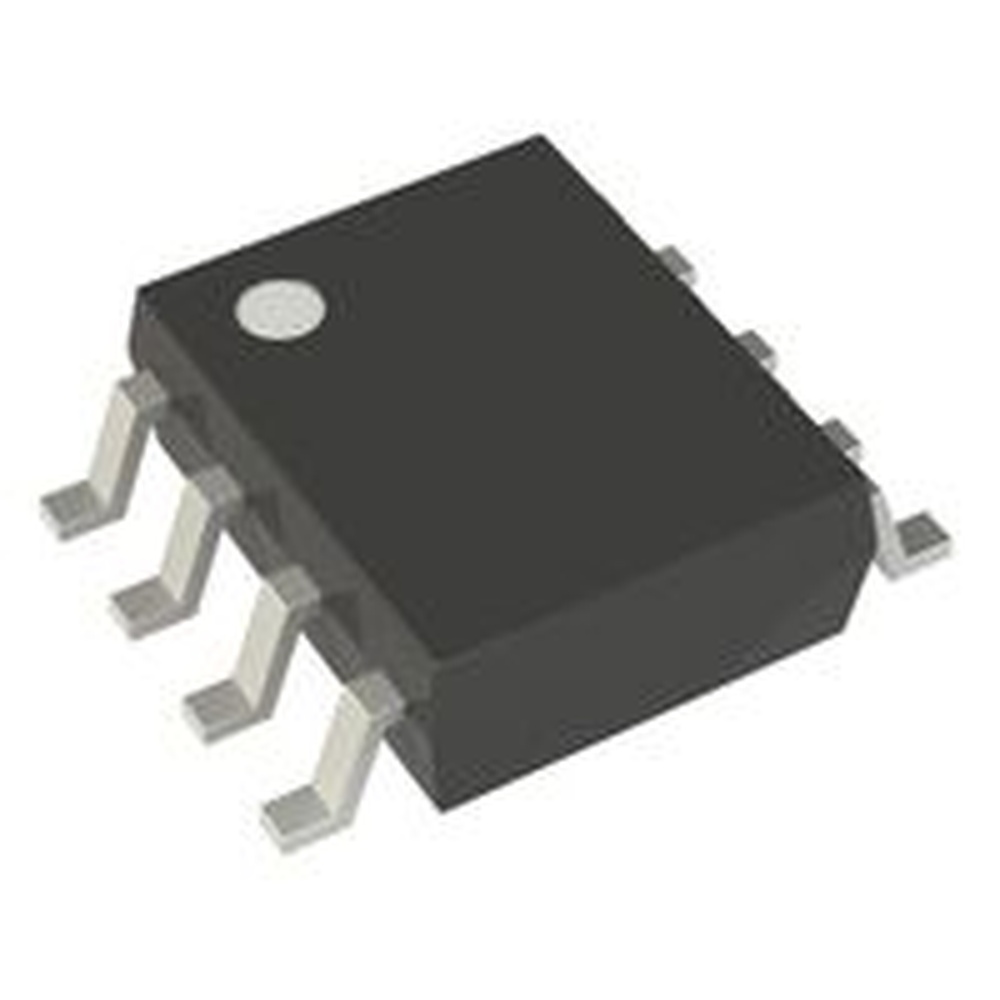

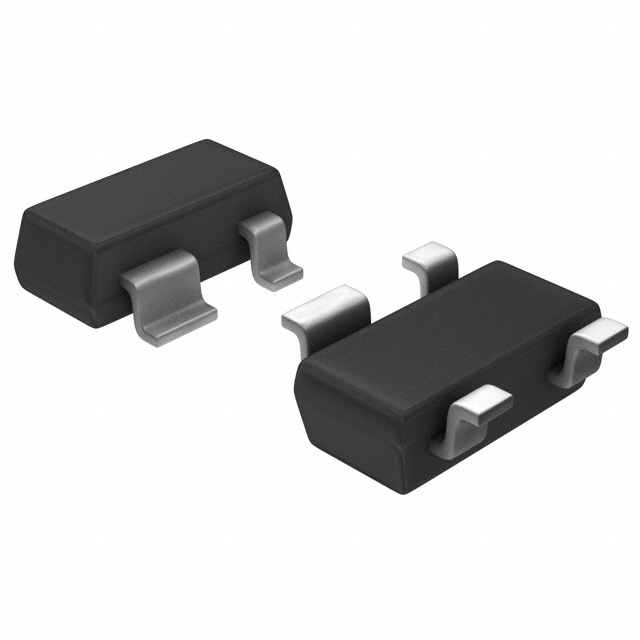

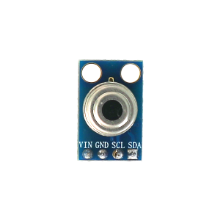

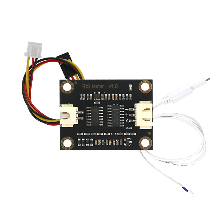






* 본 이미지는 참고용입니다.제품의 정확한 사양은 데이터시트를 참고 바랍니다.
- 공유하기
-


센서
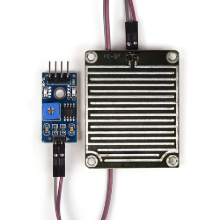
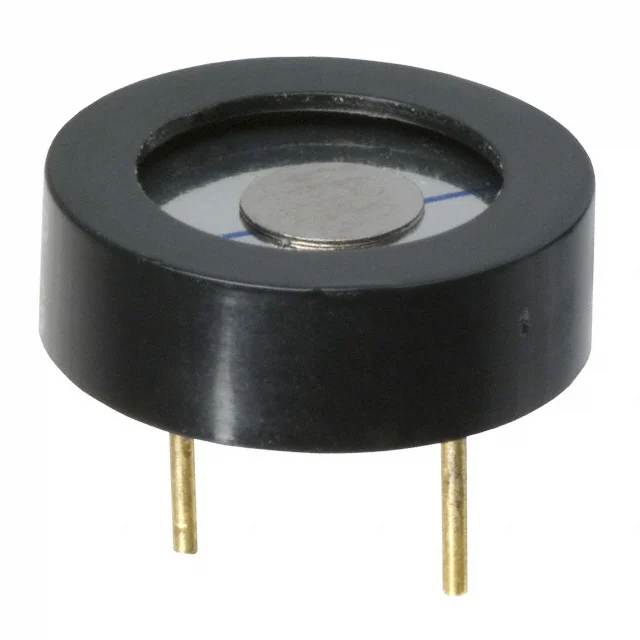
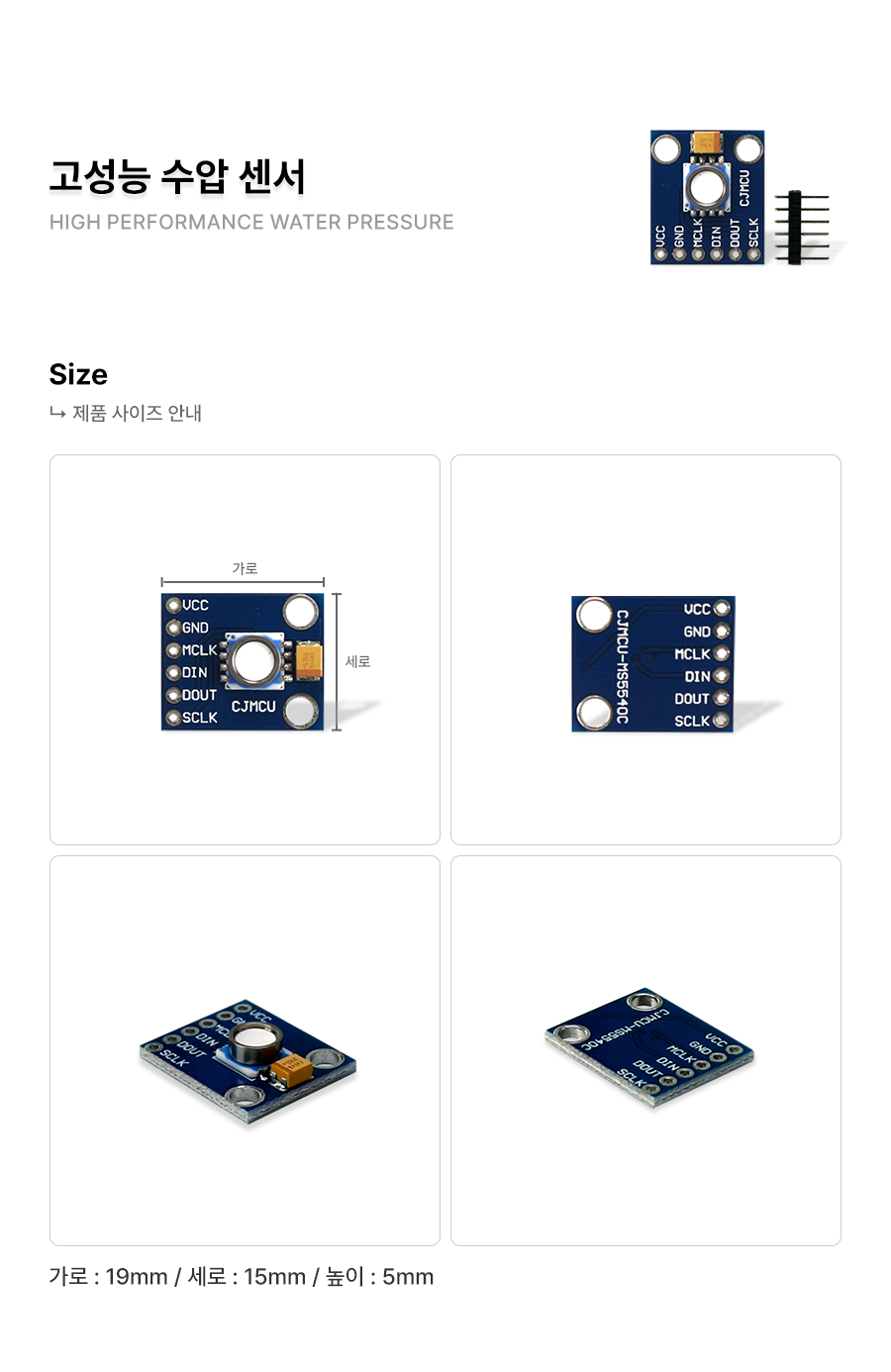
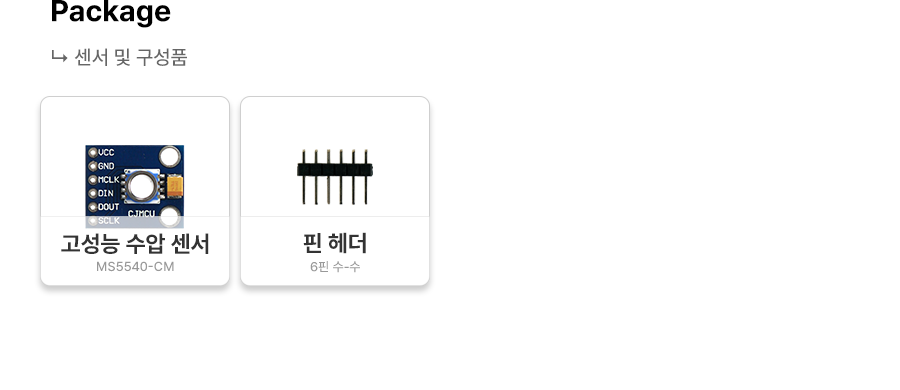
아두이노 고성능 수압센서 MS5540-CM
수압센서 MS5540-CM
26,500원
(VAT 별도)-
제품번호
EN00002283
-
브랜드명
에듀이노
-
제조사
OEM
-
M.O.Q
1
-
평균발송일
약 3일
- 포장단위
-
판매단위
1
-
배송비
3,000 (60,000원 이상 무료배송)
수압센서 MS5540-CM
수량
총 주문 금액
26,500원
(VAT 포함) 29,150원
상품상세정보
|
1
2
3
4
5
6
7
8
9
10
11
12
13
14
15
16
17
18
19
20
21
22
23
24
25
26
27
28
29
30
31
32
33
34
35
36
37
38
39
40
41
42
43
44
45
46
47
48
49
50
51
52
53
54
55
56
57
58
59
60
61
62
63
64
65
66
67
68
69
70
71
72
73
74
75
76
77
78
79
80
81
82
83
84
85
86
87
88
89
90
91
92
93
94
95
96
97
98
99
100
101
102
103
104
105
106
107
108
109
110
111
112
113
114
115
116
117
118
119
120
121
122
123
124
125
126
127
128
129
130
131
132
133
134
135
136
137
138
139
140
141
142
143
144
145
146
147
148
149
150
151
152
153
154
155
156
157
158
159
160
161
162
163
164
165
166
167
168
169
170
171
172
173
174
175
176
177
178
179
180
181 |
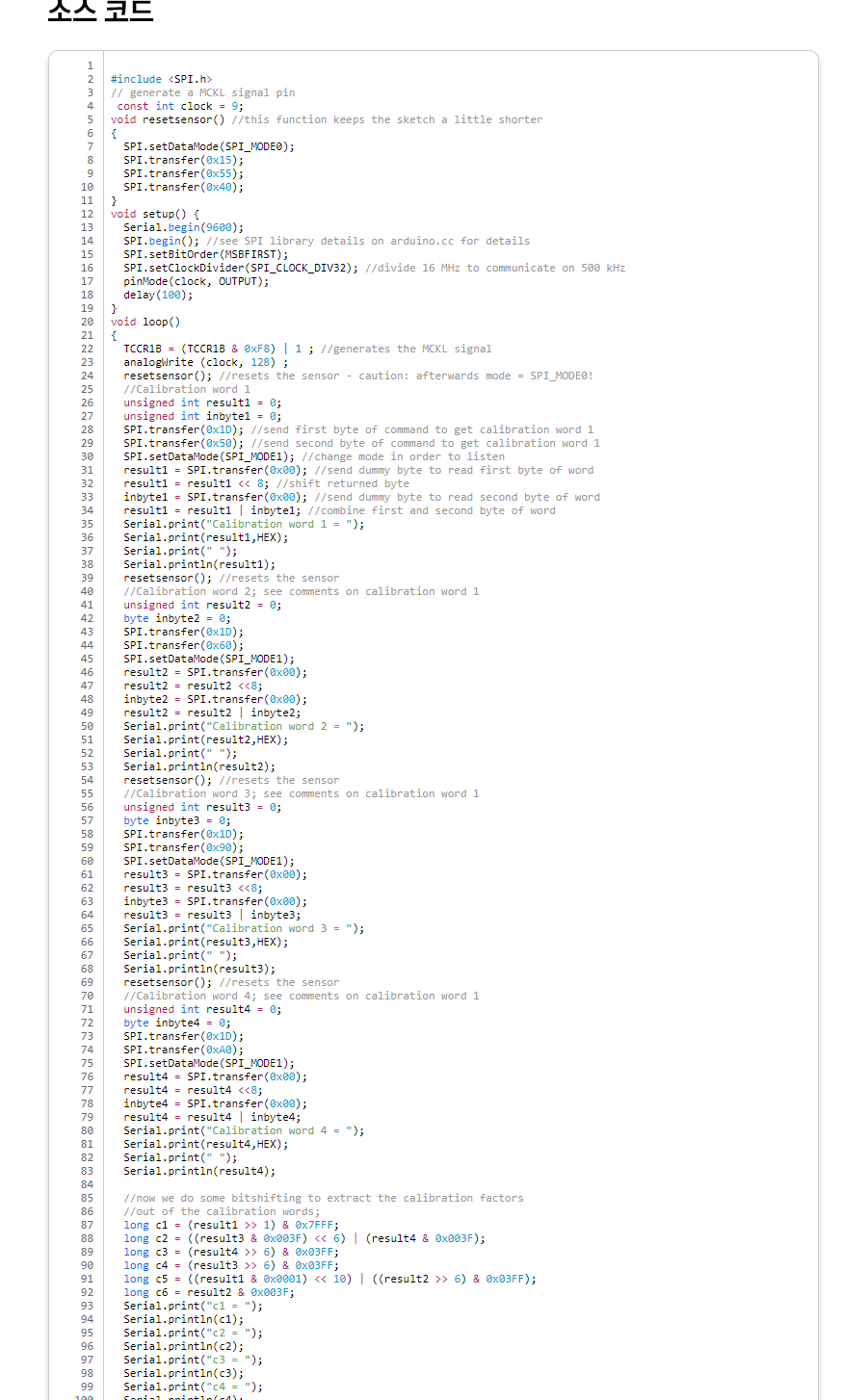
#include <SPI.h>
// generate a MCKL signal pin
const int clock = 9;
void resetsensor() //this function keeps the sketch a little shorter
{
SPI.setDataMode(SPI_MODE0);
SPI.transfer(0x15);
SPI.transfer(0x55);
SPI.transfer(0x40);
}
void setup() {
Serial.begin(9600);
SPI.begin(); //see SPI library details on arduino.cc for details
SPI.setBitOrder(MSBFIRST);
SPI.setClockDivider(SPI_CLOCK_DIV32); //divide 16 MHz to communicate on 500 kHz
pinMode(clock, OUTPUT);
delay(100);
}
void loop()
{
TCCR1B = (TCCR1B & 0xF8) | 1 ; //generates the MCKL signal
analogWrite (clock, 128) ;
resetsensor(); //resets the sensor - caution: afterwards mode = SPI_MODE0!
//Calibration word 1
unsigned int result1 = 0;
unsigned int inbyte1 = 0;
SPI.transfer(0x1D); //send first byte of command to get calibration word 1
SPI.transfer(0x50); //send second byte of command to get calibration word 1
SPI.setDataMode(SPI_MODE1); //change mode in order to listen
result1 = SPI.transfer(0x00); //send dummy byte to read first byte of word
result1 = result1 << 8; //shift returned byte
inbyte1 = SPI.transfer(0x00); //send dummy byte to read second byte of word
result1 = result1 | inbyte1; //combine first and second byte of word
Serial.print("Calibration word 1 = ");
Serial.print(result1,HEX);
Serial.print(" ");
Serial.println(result1);
resetsensor(); //resets the sensor
//Calibration word 2; see comments on calibration word 1
unsigned int result2 = 0;
byte inbyte2 = 0;
SPI.transfer(0x1D);
SPI.transfer(0x60);
SPI.setDataMode(SPI_MODE1);
result2 = SPI.transfer(0x00);
result2 = result2 <<8;
inbyte2 = SPI.transfer(0x00);
result2 = result2 | inbyte2;
Serial.print("Calibration word 2 = ");
Serial.print(result2,HEX);
Serial.print(" ");
Serial.println(result2);
resetsensor(); //resets the sensor
//Calibration word 3; see comments on calibration word 1
unsigned int result3 = 0;
byte inbyte3 = 0;
SPI.transfer(0x1D);
SPI.transfer(0x90);
SPI.setDataMode(SPI_MODE1);
result3 = SPI.transfer(0x00);
result3 = result3 <<8;
inbyte3 = SPI.transfer(0x00);
result3 = result3 | inbyte3;
Serial.print("Calibration word 3 = ");
Serial.print(result3,HEX);
Serial.print(" ");
Serial.println(result3);
resetsensor(); //resets the sensor
//Calibration word 4; see comments on calibration word 1
unsigned int result4 = 0;
byte inbyte4 = 0;
SPI.transfer(0x1D);
SPI.transfer(0xA0);
SPI.setDataMode(SPI_MODE1);
result4 = SPI.transfer(0x00);
result4 = result4 <<8;
inbyte4 = SPI.transfer(0x00);
result4 = result4 | inbyte4;
Serial.print("Calibration word 4 = ");
Serial.print(result4,HEX);
Serial.print(" ");
Serial.println(result4);
//now we do some bitshifting to extract the calibration factors
//out of the calibration words;
long c1 = (result1 >> 1) & 0x7FFF;
long c2 = ((result3 & 0x003F) << 6) | (result4 & 0x003F);
long c3 = (result4 >> 6) & 0x03FF;
long c4 = (result3 >> 6) & 0x03FF;
long c5 = ((result1 & 0x0001) << 10) | ((result2 >> 6) & 0x03FF);
long c6 = result2 & 0x003F;
Serial.print("c1 = ");
Serial.println(c1);
Serial.print("c2 = ");
Serial.println(c2);
Serial.print("c3 = ");
Serial.println(c3);
Serial.print("c4 = ");
Serial.println(c4);
Serial.print("c5 = ");
Serial.println(c5);
Serial.print("c6 = ");
Serial.println(c6);
resetsensor(); //resets the sensor
//Pressure:
unsigned int presMSB = 0; //first byte of value
unsigned int presLSB |
등록된 사용후기
사용후기가 없습니다.
등록된 상품문의
상품문의가 없습니다.