






.jpg)
.jpg)

(3122).jpg)

.jpg)




.jpg)
.jpg)

.jpg)
.jpg)
.jpg)

.jpg)
.jpg)



.jpg)


.png)



.jpg)


.jpg)



.jpg)
.jpg)
.jpg)



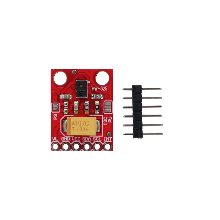
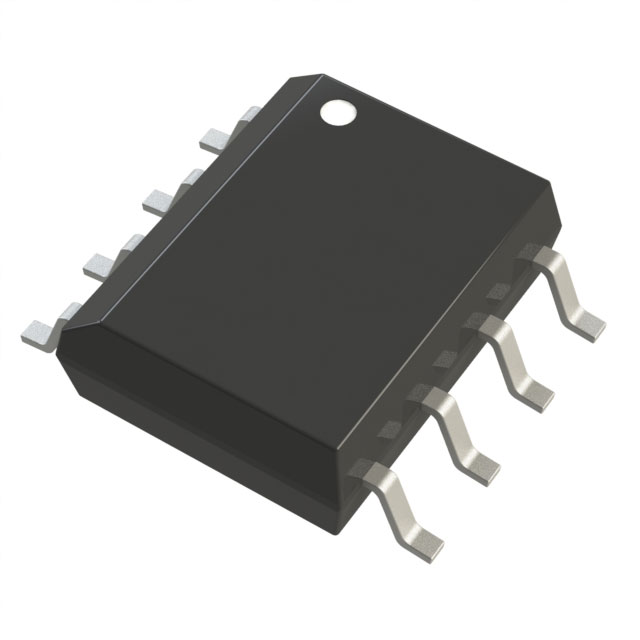
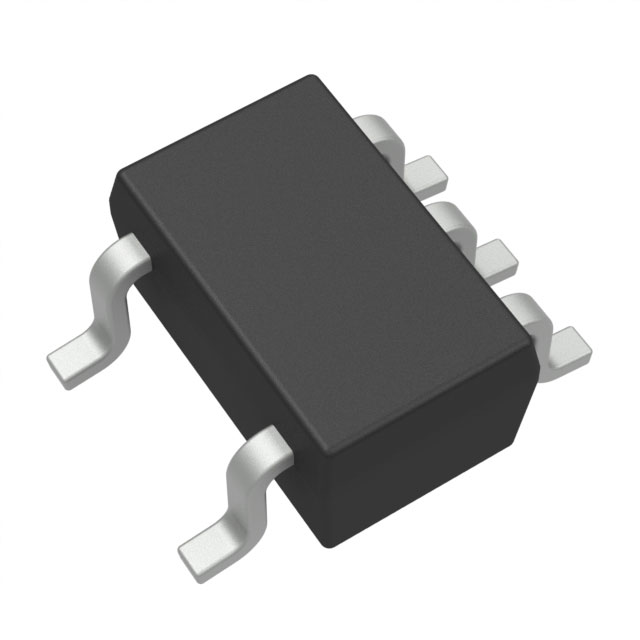
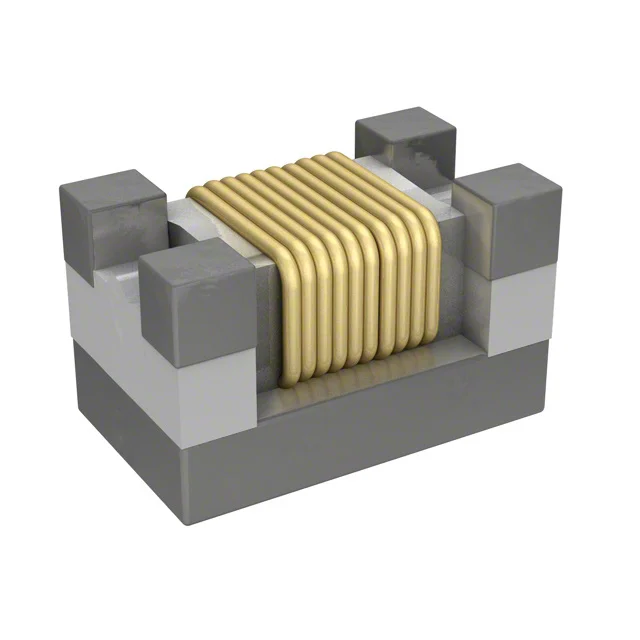
* 본 이미지는 참고용입니다.제품의 정확한 사양은 데이터시트를 참고 바랍니다.
- 공유하기
-


센서
아두이노 비접촉 근접 감지 제스처 센서 APDS-9930
2,200원
(VAT 별도)-
제품번호
EN00002318
-
브랜드명
에듀이노
-
제조사
OEM
-
M.O.Q
1
-
평균발송일
약 3일
- 포장단위
-
판매단위
1
-
배송비
3,000 (60,000원 이상 무료배송)
수량
총 주문 금액
2,200원
(VAT 포함) 2,420원
상품상세정보
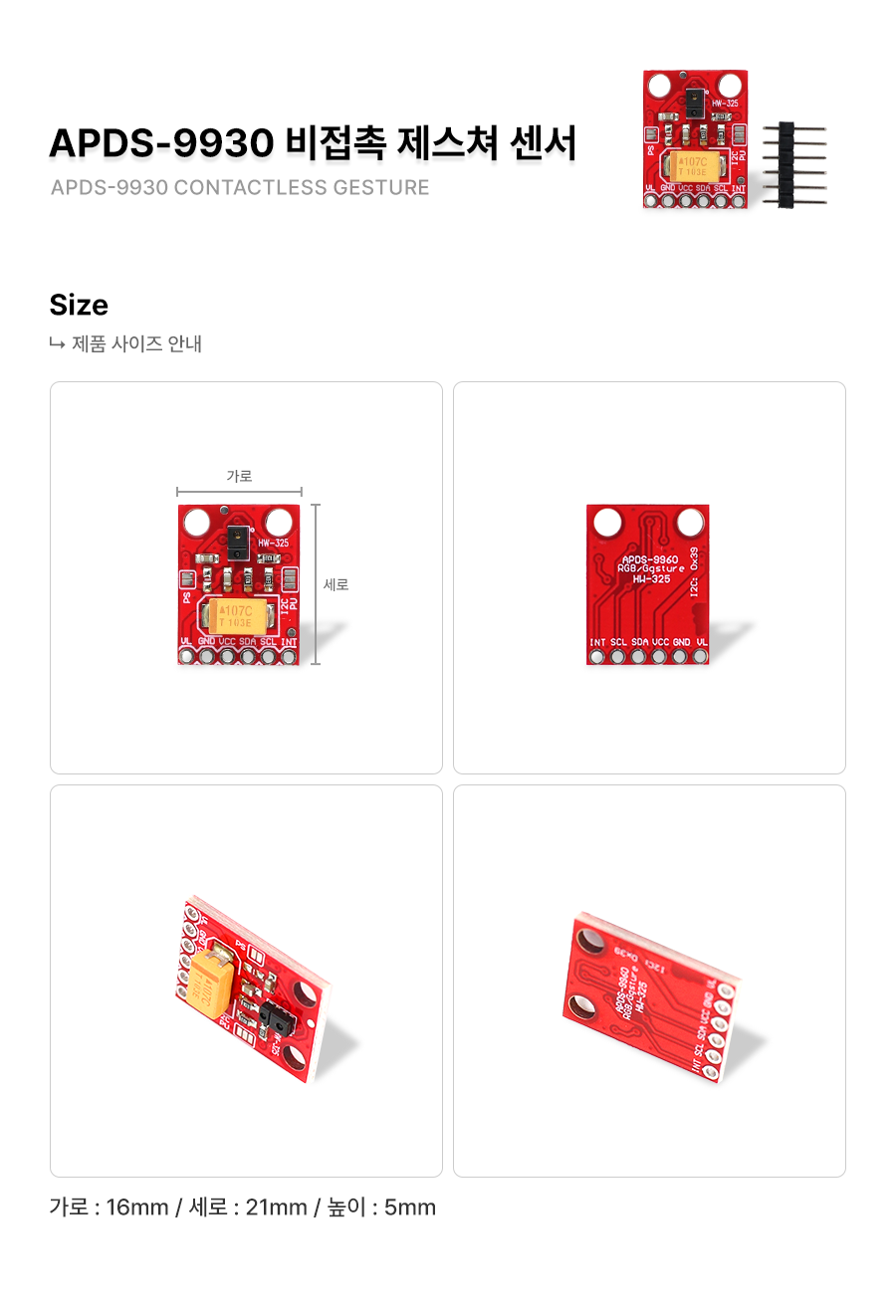
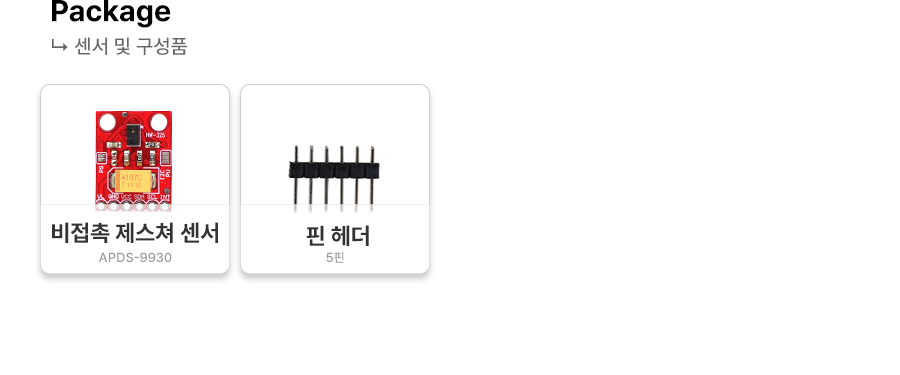
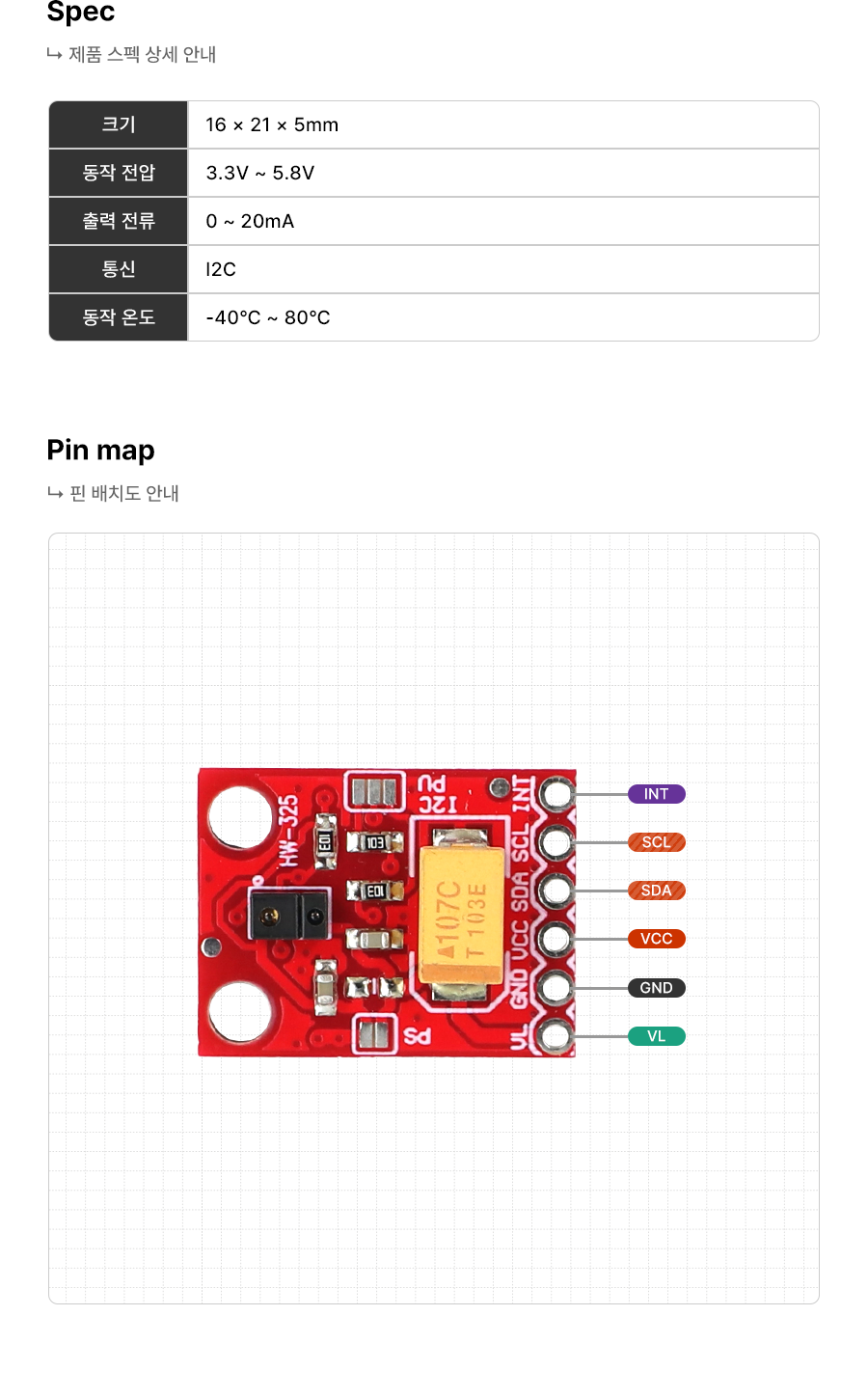

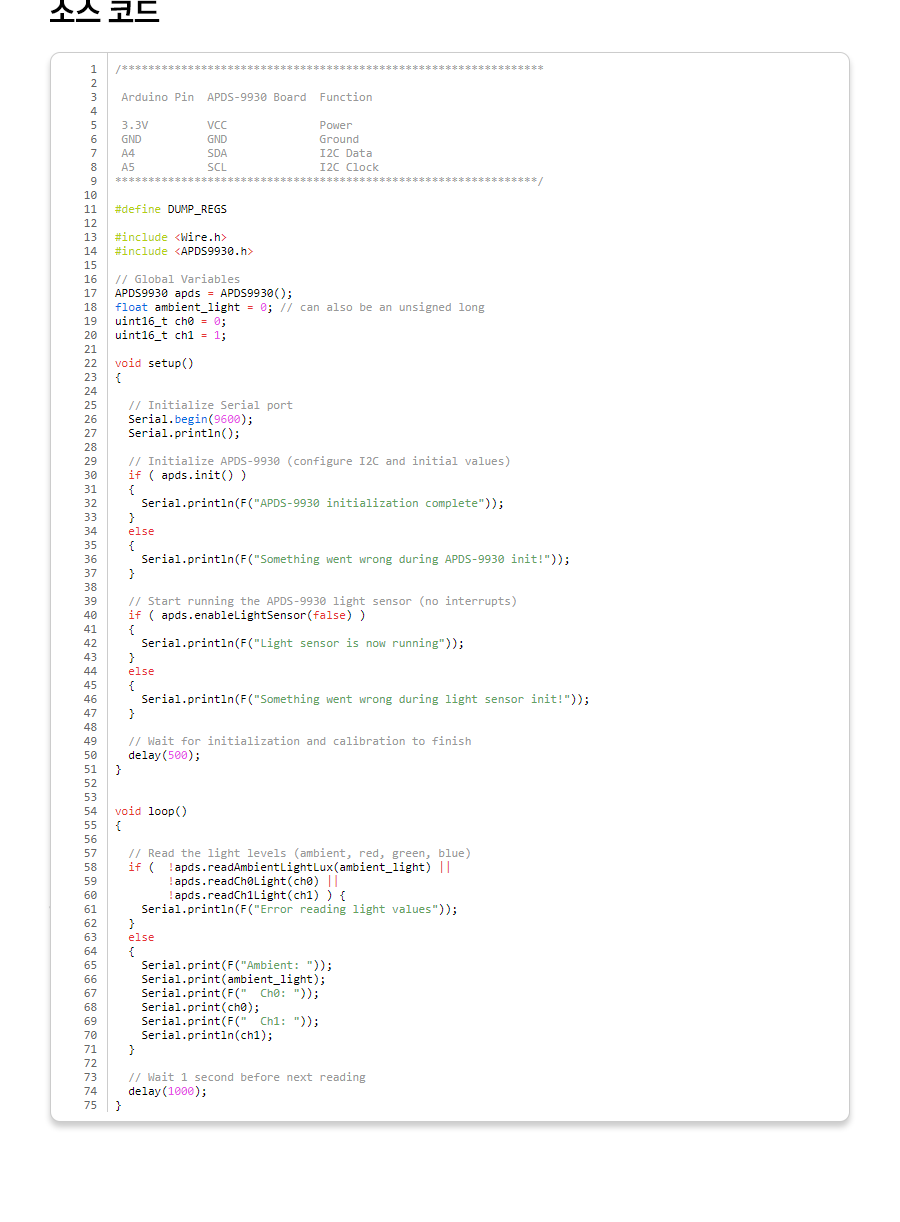
1 2 3 4 5 6 7 8 9 10 11 12 13 14 15 16 17 18 19 20 21 22 23 24 25 26 27 28 29 30 31 32 33 34 35 36 37 38 39 40 41 42 43 44 45 46 47 48 49 50 51 52 53 54 55 56 57 58 59 60 61 62 63 64 65 66 67 68 69 70 71 72 73 74 75 | /**************************************************************** Arduino Pin APDS-9930 Board Function 3.3V VCC Power GND GND Ground A4 SDA I2C Data A5 SCL I2C Clock ****************************************************************/ #define DUMP_REGS #include <Wire.h> #include <APDS9930.h> // Global Variables APDS9930 apds = APDS9930(); float ambient_light = 0; // can also be an unsigned long uint16_t ch0 = 0; uint16_t ch1 = 1; void setup() { // Initialize Serial port Serial.begin(9600); Serial.println(); // Initialize APDS-9930 (configure I2C and initial values) if ( apds.init() ) { Serial.println(F("APDS-9930 initialization complete")); } else { Serial.println(F("Something went wrong during APDS-9930 init!")); } // Start running the APDS-9930 light sensor (no interrupts) if ( apds.enableLightSensor(false) ) { Serial.println(F("Light sensor is now running")); } else { Serial.println(F("Something went wrong during light sensor init!")); } // Wait for initialization and calibration to finish delay(500); } void loop() { // Read the light levels (ambient, red, green, blue) if ( !apds.readAmbientLightLux(ambient_light) || !apds.readCh0Light(ch0) || !apds.readCh1Light(ch1) ) { Serial.println(F("Error reading light values")); } else { Serial.print(F("Ambient: ")); Serial.print(ambient_light); Serial.print(F(" Ch0: ")); Serial.print(ch0); Serial.print(F(" Ch1: ")); Serial.println(ch1); } // Wait 1 second before next reading delay(1000); } | cs |
등록된 사용후기
사용후기가 없습니다.
등록된 상품문의
상품문의가 없습니다.